

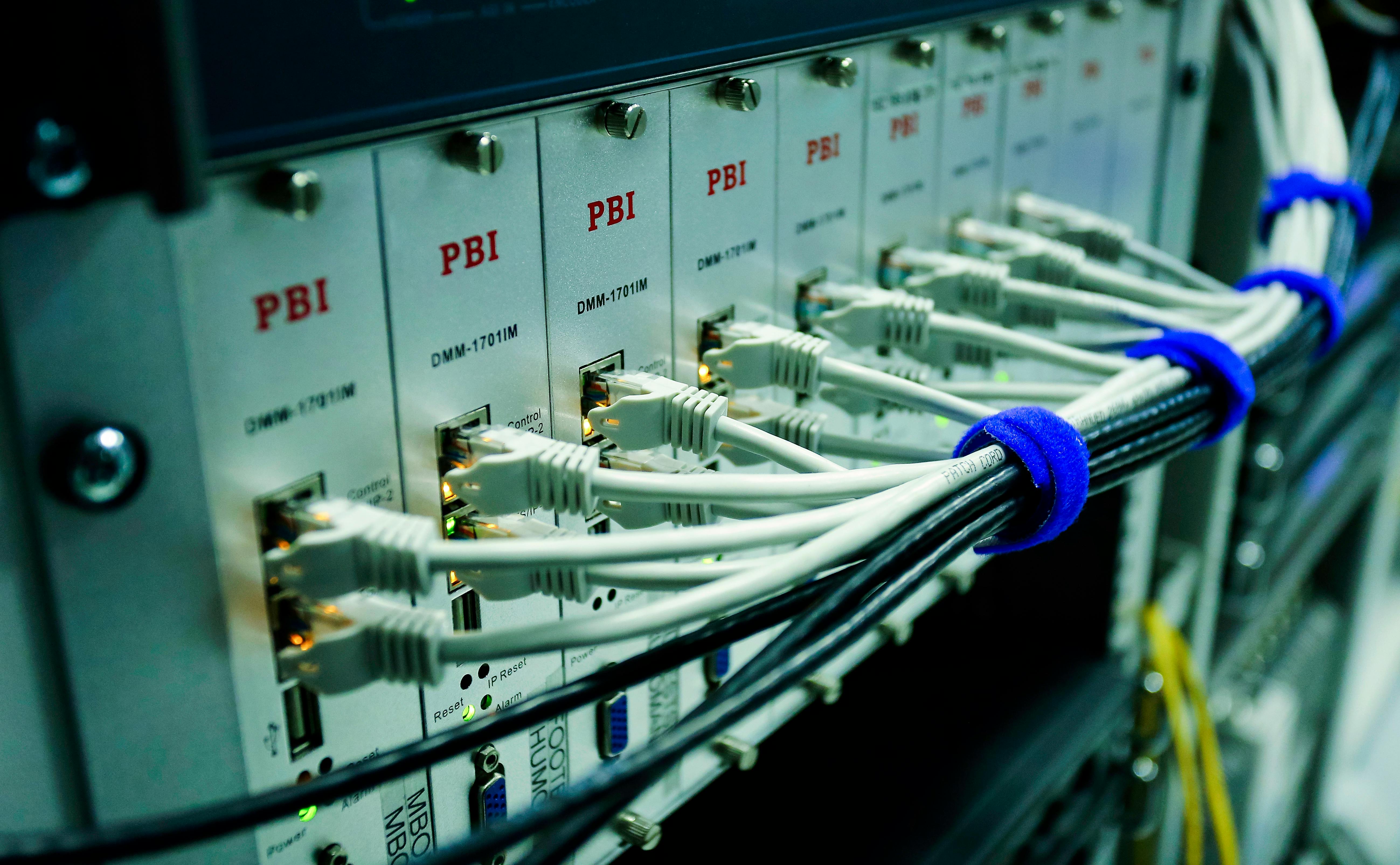
 Close Up Photo of Ethernet Cables on Network Switch
Getting a website online might seem straightforward, but behind the scenes, there is a lot happening. From design and development to server setup and domain management, several layers must work together to ensure your website is accessible to users across the world. In this article, we will explain the key components involved in hosting a website.
Building the Website
Before a website can be hosted, it must first be created. This involves graphic design, writing content, sourcing or producing images, and planning the overall user experience. Once complete, the website typically consists of a collection of files, such as HTML, CSS, JavaScript, and images, which define its structure, appearance, and functionality.
For larger websites, the number of files can easily run into the hundreds. These files need to be uploaded to a web server, so that they can be accessed by users online.
The Web Server
A web server is a powerful computer that stores your website files and delivers them to visitors when requested. Most servers run on a Unix-based operating system, such as Linux, and use software like Apache to manage web traffic.
These elements often form what is known as a LAMP stack, which includes:
Linux – the operating system
Apache – the web server software
MySQL – the database system
PHP – the programming language used for dynamic websites
Each layer serves a specific purpose, and although alternatives are available (for example, Nginx instead of Apache), the LAMP stack is widely used because it is open source and well supported.
Connecting a Domain Name

Without a domain name, people would need to enter a numerical IP address (for example, 51.89.151.211) to visit your site, which is not practical. A domain name provides a memorable and user-friendly address.
Domains are purchased through third-party providers such as GoDaddy or Namecheap and usually cost only a few pounds per year. Once registered, the domain is linked to your server’s IP address through the Domain Name System (DNS).
When someone enters your domain into a browser, this is what happens:
Their device checks if it already knows the IP address.
If not, it asks the local router.
If the router does not know, it contacts a DNS resolver.
The resolver continues the search through a chain of DNS servers until the IP address is found.
The result is returned to the user’s browser and the website loads.
All of this takes place in a fraction of a second and is completely invisible to the user.
Security

Once your domain is connected to your server, it is important to secure the data transferred between your site and its visitors. This is achieved using an SSL (Secure Sockets Layer) certificate, which encrypts the communication.
Without SSL, information sent over the internet, especially on public Wi-Fi networks, could be intercepted. With SSL in place, your website address begins with https://, and users can trust that their data is being handled securely.
Conclusion
Hosting a website involves much more than simply uploading files. From building the site and configuring the server, to registering a domain and securing user data, multiple layers work together behind the scenes.
Although many of these tasks are managed for you by web hosting providers or developers, understanding the process gives you a better insight into the technology behind every website you visit or create.